eology eo:news Meta AI in everyday life: Practical or problematic? What is Meta AI in social media?
Since spring 2025, Meta, the parent company of Facebook, Instagram, and WhatsApp, has been introducing the AI-powered feature Meta AI on its platforms in Europe. It is a virtual assistant that supports users in the form of a chatbot. Meta AI can answer questions, generate text, make recommendations, and even create images using AI—all directly within the apps. The aim is to make the platforms more interactive and intelligent.
Using Meta AI is straightforward: In WhatsApp, the chatbot appears as a blue circle at the top of the chat overview and can also be activated by typing “@Meta AI” in the chat field. On Facebook and Instagram, it can be accessed via the search bar.
You can use Meta AI for the following:
- Get quick information: Meta AI has access to the internet and provides you with short explanations of terms, food suggestions, and much more, complete with source references.
- Brainstorming: Want to plan ideas for new content or your next vacation? Meta AI provides suggestions that you can specify and adapt to your needs.
- Compose messages: The chatbot helps you draft suitable messages, replies to emails, or birthday wishes with just a few keywords.
- Summarize texts: You can copy long texts into the chatbot and instruct the AI to summarize the most important points for you.
- Translations: Enter any text and have it translated into the language of your choice.
- Images: Images cannot be generated yet, but the bot indicates that this feature will be available soon.
Meta AI based on the example of Instagram
Source: eology
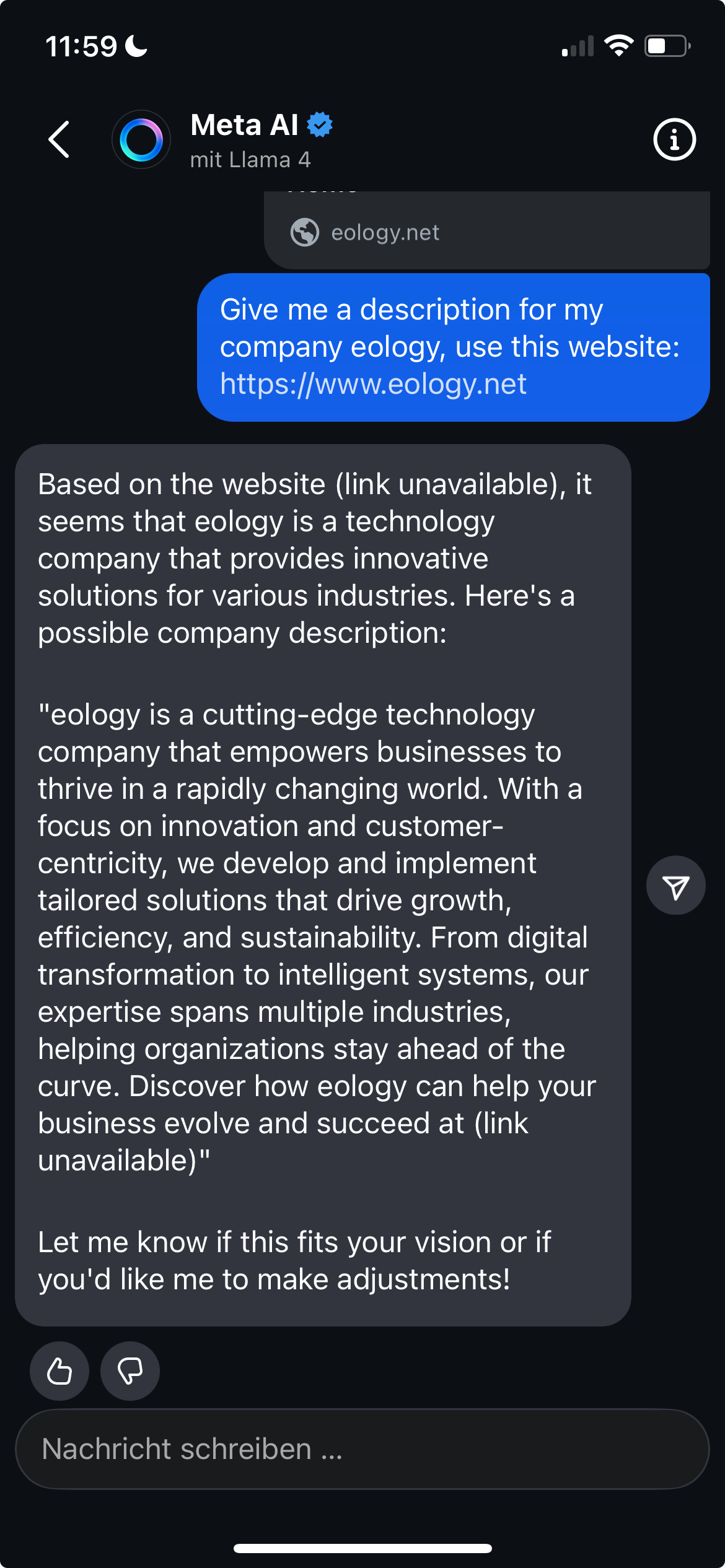
When using Meta AI, it is important to check the information and not rely on AI, especially when it comes to important information. The information is not always correct or up to date.
Data protection and deactivation: What users should know
Meta AI accesses publicly shared content such as posts and images, but also private chats, to improve its models – a controversial issue in terms of data protection law. Users can object to data processing for training purposes, for example via an online form provided by Meta. However, complete deactivation is not possible. At least the bot can be silenced in all three apps so that it no longer makes active suggestions. Anyone who values data protection should actively review the settings and object if necessary.
Author
Jule Langheim Marketing ManagerJule Langheim studied Media Management at the Technical University of Würzburg. At eology, she is part of the marketing team, working both in front of and behind the camera, where she is responsible for content planning and creation. She is also in charge of promoting the agency across social media channels and running eology's webinars.
This might also interest you